How a Cursive Text Generator Works: Unicode Script Letters Explained
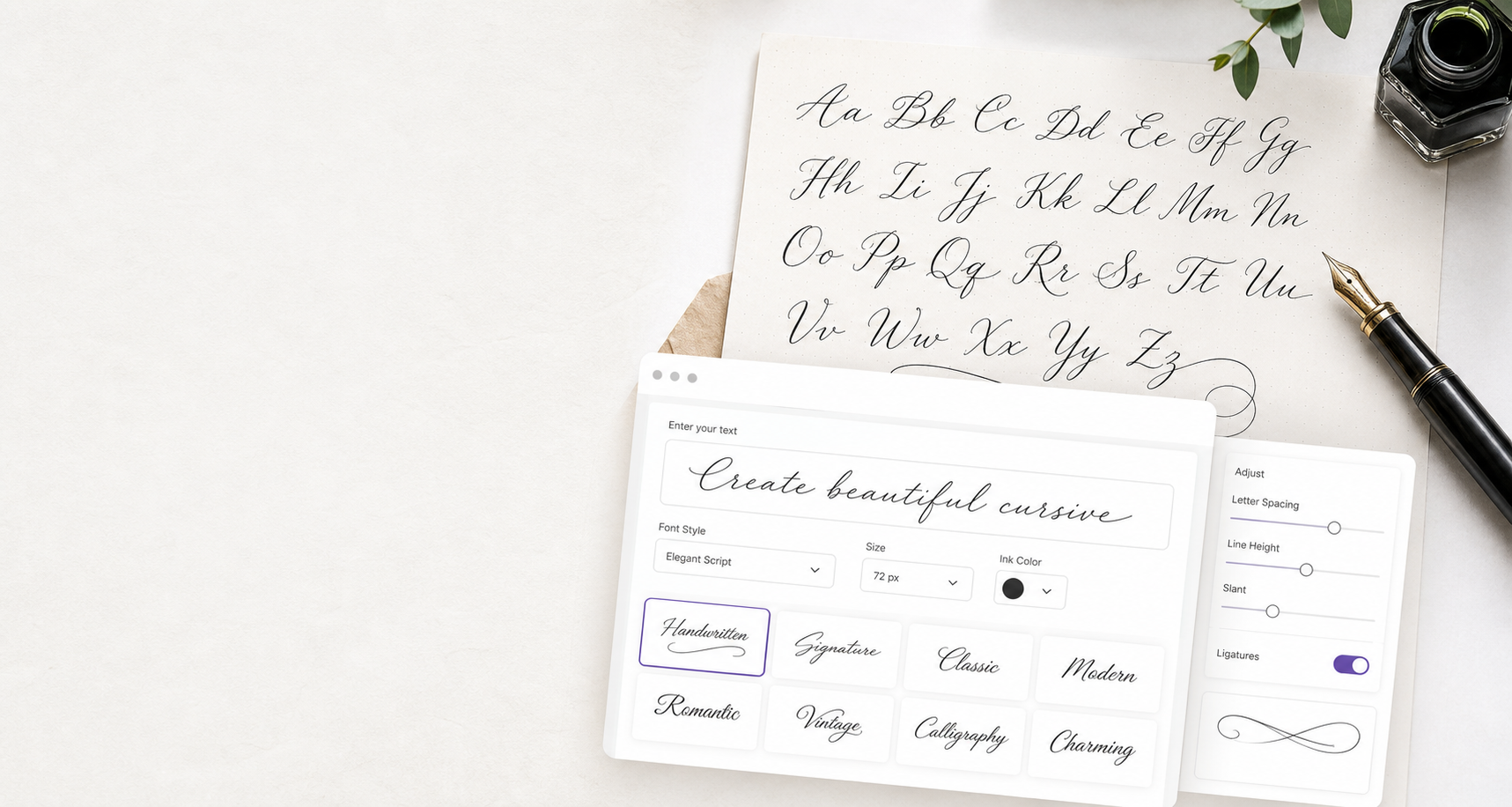
You’ve seen names like 𝓢𝓪𝓻𝓪𝓱 in Instagram bios and Discord profiles, even though neither app lets you pick a font. That text comes from a cursive text generator, and no font is involved at all. Every letter is a separate Unicode character that happens to look like handwriting.
This article explains where those characters live in Unicode, why a naive converter produces broken output, how to write a correct one in a few lines of JavaScript, and the trade-offs (search, accessibility, string length) you should know before using script text in a product.
Cursive text is characters, not a font
A normal font changes how the same characters are drawn. Cursive Unicode text does the opposite: it swaps each letter for a different character whose standard shape is script-like. Because the styling lives in the characters themselves, it survives copy and paste into places that only accept plain text: bios, usernames, chat messages, commit messages.
Most of these characters come from the Mathematical Alphanumeric Symbols block (U+1D400–U+1D7FF). Mathematicians need distinct symbols for, say, a script 𝒜 and a bold 𝐀, so Unicode encoded whole alphabets in different styles:
| Style | Example | First code point |
|---|---|---|
| Script | 𝒜𝒷𝒸 | U+1D49C |
| Bold script | 𝓐𝓫𝓬 | U+1D4D0 |
| Fraktur | 𝔄𝔟𝔠 | U+1D504 |
| Double-struck | 𝔸𝕓𝕔 | U+1D538 |
A cursive text generator is essentially a lookup table from A–Z and a–z into one of these alphabets.
The gotcha: holes in the script alphabet
If you write the obvious converter, “offset every letter from U+1D49C”, you get gaps. Eleven positions in the Mathematical Script range are reserved and empty:
B E F H I L M R   (capitals)
e g o             (lowercase)
Those letters already existed in Unicode before the math block was added, in the older Letterlike Symbols block, so Unicode didn’t encode them twice. The correct characters are:
| Letter | Character | Code point |
|---|---|---|
| B | ℬ | U+212C |
| E | ℰ | U+2130 |
| F | ℱ | U+2131 |
| H | ℋ | U+210B |
| I | ℐ | U+2110 |
| L | ℒ | U+2112 |
| M | ℳ | U+2133 |
| R | ℛ | U+211B |
| e | ℯ | U+212F |
| g | ℊ | U+210A |
| o | ℴ | U+2134 |
The bold script alphabet (U+1D4D0 onward) has no such holes, which is one reason many generators default to bold script. Fraktur and double-struck have their own gaps too (Fraktur is missing C, H, I, R and Z; double-struck is missing C, H, N, P, Q, R and Z), so check every alphabet you add.
A minimal cursive converter in JavaScript
Here is a small converter that handles the holes correctly. It maps letters and leaves digits, spaces and punctuation alone:
const SCRIPT_START = 0x1d49c; // MATHEMATICAL SCRIPT CAPITAL A
const HOLES = {
  B: "ℬ", E: "ℰ", F: "ℱ", H: "ℋ", I: "ℐ", L: "ℒ", M: "ℳ", R: "ℛ",
  e: "ℯ", g: "ℊ", o: "ℴ",
};

function toScript(text) {
  return [...text].map((ch) => {
    if (HOLES[ch]) return HOLES[ch];
    if (ch >= "A" && ch <= "Z") return String.fromCodePoint(SCRIPT_START + ch.charCodeAt(0) - 65);
    if (ch >= "a" && ch <= "z") return String.fromCodePoint(SCRIPT_START + 26 + ch.charCodeAt(0) - 97);
    return ch;
  }).join("");
}

console.log(toScript("Hello World")); // ℋℯ𝓁𝓁ℴ 𝒲ℴ𝓇𝓁𝒹
Two details matter. String.fromCodePoint is needed because these characters sit above U+FFFF, outside the Basic Multilingual Plane. And spreading the string with [...text] iterates by code point, so the function also works if the input already contains astral characters.
If you’d rather not maintain tables for every style, a tool such as Cursive Text Generator previews dozens of script, bold and calligraphy styles side by side so you can compare them before deciding which alphabet to support.
String length, normalization and search
Script characters behave differently from ASCII in code, and that leaks into product behavior.
Length. Characters above U+FFFF take two UTF-16 code units. In JavaScript, "𝓒𝓾𝓻𝓼𝓲𝓿𝓮".length is 14, while [..."𝓒𝓾𝓻𝓼𝓲𝓿𝓮"].length is 7. If you enforce a username limit with .length, cursive names will hit it at half the expected size. Many platforms count by code point instead, but test the specific field.
Normalization. Unicode compatibility normalization folds these characters back to plain letters:
"𝓒𝓾𝓻𝓼𝓲𝓿𝓮".normalize("NFKC"); // "Cursive"
That is useful on the receiving side. If your app lets users pick styled display names, normalizing with NFKC before indexing or checking for duplicates prevents “Sarah” and “𝓢𝓪𝓻𝓪𝓱” from being treated as unrelated strings.
Search. Without that normalization step, search engines and in-app search usually treat script characters as distinct symbols. Someone searching for “Sarah” may never find “𝓢𝓪𝓻𝓪𝓱”. Keep handles and anything that must be discoverable in plain text.
Where cursive Unicode text renders, and where it breaks
Rendering depends on whether the device has a font covering the Mathematical Alphanumeric Symbols block. Modern iOS, macOS and recent Android versions generally do. Older systems may show empty boxes (“tofu”) instead.
Platforms also restrict fields differently. A bio or display name may accept script characters while the @username field strips them or only allows ASCII. The site behind the generator above maintains a cursive Unicode compatibility test that maps which fields on Instagram, TikTok, Discord and WhatsApp keep the styling, and which devices show boxes. That kind of field-by-field check saves a lot of trial and error.
Accessibility: use script text sparingly
Screen readers don’t always read these characters as letters. Depending on the reader and platform, a styled name may be announced character by character with long symbol names, or skipped. For decorative use in a short display name that is usually tolerable. For whole sentences, instructions or anything a user must understand, it isn’t.
A sensible rule: keep script text to a few words, never use it for essential information, and keep a plain-text version wherever meaning matters.
FAQ
Is cursive text from a generator a real font?
No. It is a sequence of Unicode characters that look like script letters. That is why it can be pasted into apps that don’t let you change fonts, and also why its appearance depends on the system fonts on the reader’s device.
Why do some cursive letters look different from the rest?
Eleven script letters (B, E, F, H, I, L, M, R, e, g, o) come from the Letterlike Symbols block rather than the math block. Fonts often draw that block slightly differently, so those letters can look a little out of place next to the others.
Why does my cursive text show up as boxes?
The device or app doesn’t have a font covering those characters. Updating the OS usually fixes it. For text that must display everywhere, use plain letters.
Conclusion
A cursive text generator is a lookup table into Unicode’s math alphabets, plus a patch for the eleven letters that live elsewhere. Once you know that, the side effects make sense: doubled string lengths in JavaScript, invisible-to-search names, screen-reader noise and the occasional box. Use script text for short decorative touches, normalize it on the way in, and when you want to compare styles quickly, try the free cursive text generator.